


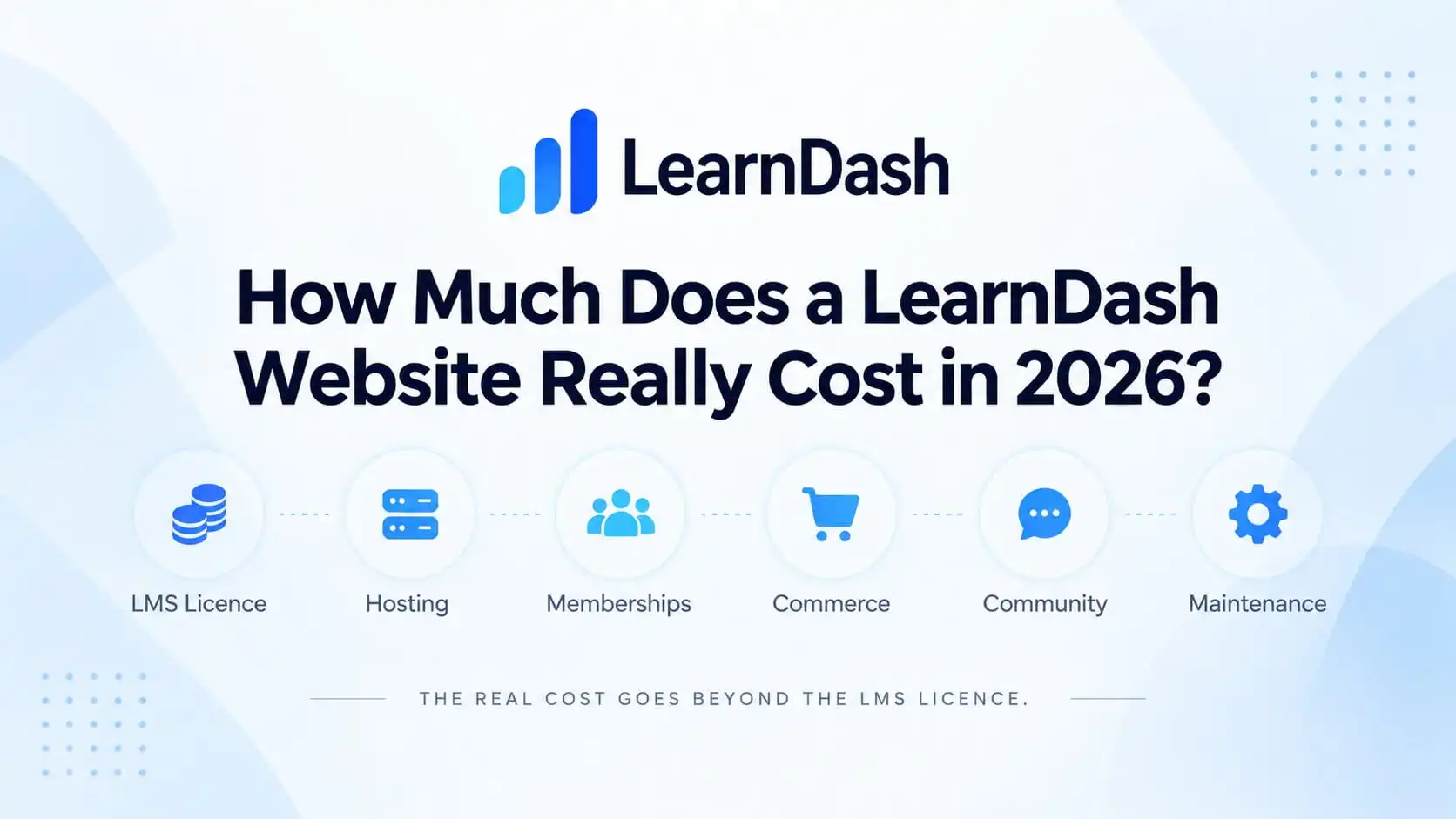
The real LearnDash website cost in 2026 is not just the price of the LearnDash licence.
LearnDash now starts at $259 per year for the Essentials plan, but that is only the LMS software layer.
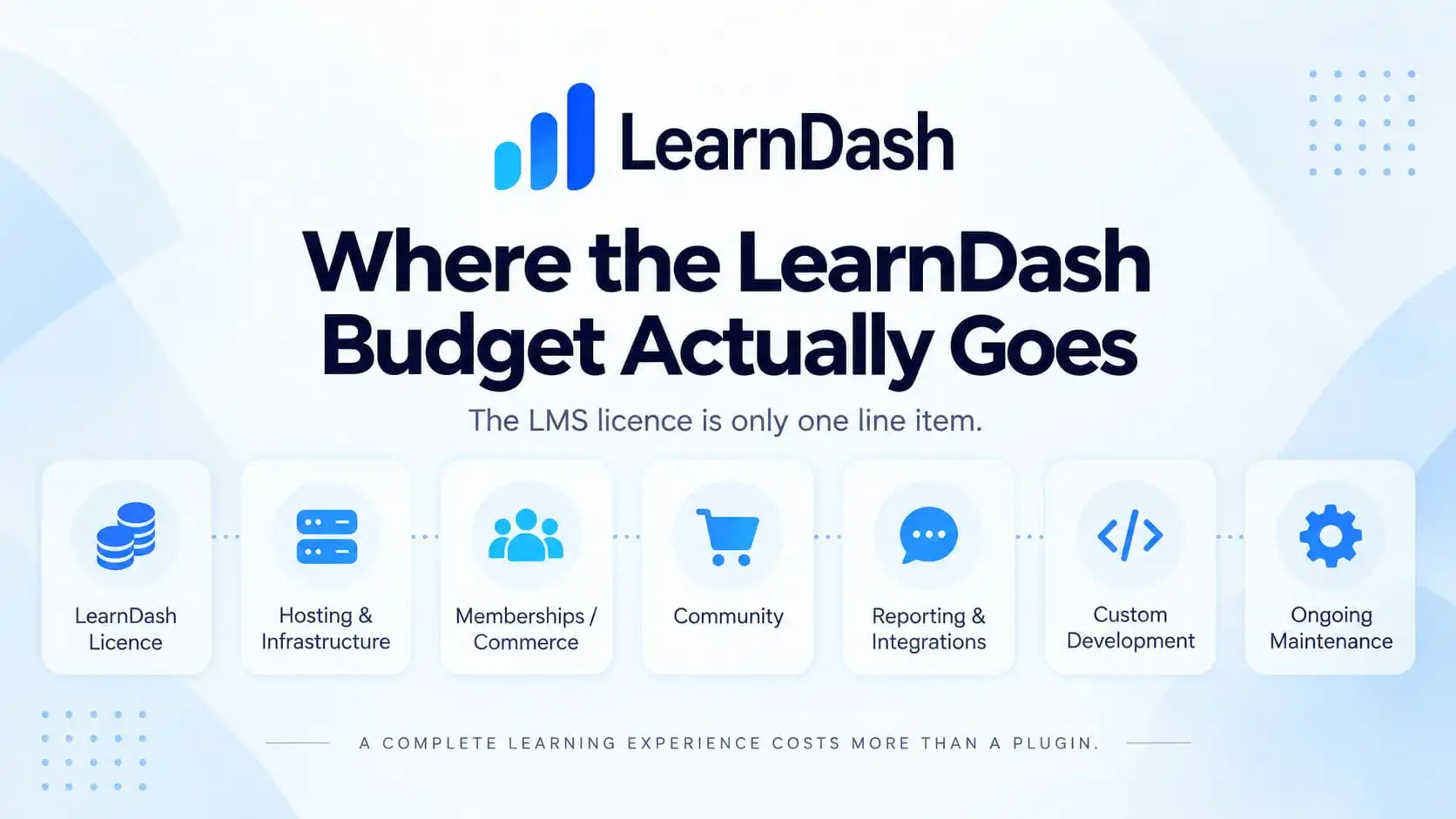
A working course business may also need hosting, memberships, payments, video delivery, email, reporting, community features, maintenance, and custom development.
That is why two websites running the same LMS can have completely different budgets.
One may be a straightforward course site with a few products.
Another may need recurring memberships, BuddyBoss communities, corporate seat sales, manager reporting, automation, and custom access rules.
Both use LearnDash.
They are not the same project.
The Short Answer
LearnDash now starts at $259/year for the Essentials plan, with Pro at $399/year and Elite at $599/year.
The important change is that LearnDash is no longer simply priced by site count. The newer plans bundle different levels of LMS, reporting, group, instructor, and organizational functionality.
But I would never budget a LearnDash project around the LMS licence alone.
For a real business, I would separate the budget into three parts:
- Software and infrastructure
- Development and implementation
- Ongoing operation and maintenance
The more complicated the business model becomes, the less important the $259 licence becomes to the final number.
What Drives LearnDash Website Cost?
The biggest cost factor is not the number of courses.
It is usually the number of systems that need to work together.
A platform that needs only:
LearnDash → Stripe → course access
is relatively straightforward.
A platform that needs:
WooCommerce → subscription → membership → LearnDash Group → BuddyBoss Group → CRM → reporting
requires much more architecture, testing, and support.
That is why I would first map the LMS architecture before deciding what the platform should cost.
The requirements create the budget.
The plugin list comes afterward.
1. The LearnDash Licence
The base LearnDash LMS currently starts at:
|
Licence
|
Current price
|
Best suited to
|
|---|---|---|
|
Essentials
|
$259/year
|
Core course businesses and solo creators
|
|
Pro
|
$399/year
|
Growing programs that need more reporting and learner-management tools
|
|
Pro
|
$599/year
|
Organizations, instructors, group-based programs, and more advanced training operations
|
The important change is that LearnDash is no longer simply selling the same LMS at different site-count limits.
The newer plans bundle different levels of functionality.
Essentials includes the core LMS plus features such as memberships, subscriptions, bundles, payment integrations, Focus Mode, certificates, achievements, and learner notifications.
Pro adds capabilities such as advanced reporting, enrollment tracking, weighted grading, report cards, student notes, and Group Leader communications.
Elite adds more organizational features, including Group course management, instructor roles, front-end course creation, ratings and reviews, and seat selling.
For many course businesses, Essentials may be enough.
For a corporate training platform or more complex learning operation, Pro or Elite may reduce the need to purchase functionality separately.
LearnDash also includes direct selling capabilities, so WooCommerce or a separate membership plugin is not automatically required simply because courses are paid.
Premium LearnDash add-ons can change the number
Some advanced requirements have their own cost.
Current one-site pricing shown by LearnDash includes examples such as:
- Groups Management $99
- Instructor Role $99
- ProPanel $99
- Gradebook $49
- Notes $49
Higher LearnDash plans can reduce separate add-on costs
Under the newer LearnDash pricing model, several capabilities that previously sat more visibly in the add-on ecosystem are now included within the higher plans.
For example,
Pro includes functionality around:
- advanced reporting
- enrollment tracking
- grading
- student notes
- Group Leader communication
Elite adds capabilities such as:
- Group course management
- instructor roles
- front-end course creation
- ratings and reviews
- seat selling
LearnDash still maintains an add-on ecosystem, and some functionality can be purchased or extended separately, but I would no longer budget the platform by simply adding a list of individual add-on prices together.
The better question is:
Which LearnDash plan already covers the business requirements, and what genuinely still needs another tool or custom development?
This is stronger than the old section anyway.
2. Hosting and Infrastructure
A LearnDash website is not a normal brochure site.
Learners log in.
Progress is recorded.
Quizzes are submitted.
Course access is checked.
Membership status may be checked.
WooCommerce may create sessions.
BuddyBoss may load activity, messages, notifications, and member data.
As the number of logged-in users grows, infrastructure becomes increasingly important.
That means I would not choose hosting based only on the cheapest advertised WordPress plan.
The right hosting budget depends on things such as:
- active learners
- concurrent users
- course complexity
- quizzes and reporting
- BuddyBoss usage
- WooCommerce
- video strategy
- database size
- background jobs
LearnDash also has managed hosting options within the wider Liquid Web ecosystem.
Managed hosting can simplify caching, backups, security, SSL, and infrastructure management, while self-hosting gives you more control over the server environment.
The right hosting budget still depends on the actual workload.
Self-hosting can be cheaper or more expensive depending on the infrastructure required.
The important thing is to budget for the workload, not simply WordPress.
3. Memberships and Recurring Access
This is where many LearnDash budgets begin growing.
A simple course business may only need:
A single course sold for a one-time payment.
In that case, LearnDash may already be enough to handle the transaction and course access.
The architecture changes when the business starts selling something broader, such as:
A recurring membership that includes multiple courses, premium resources, and private community access.
Now the customer is no longer buying one course.
They are buying an ongoing entitlement.
That may require a membership or commerce layer such as:
- MemberPress
- Paid Memberships Pro
- WooCommerce Subscriptions
- another membership or subscription system
LearnDash’s newer plans also include membership functionality, so adding a separate membership plugin is not automatically necessary simply because the business wants recurring access.
The decision should depend on what the membership actually needs to control.
For example:
If the membership only unlocks a set of LearnDash courses, the built-in LearnDash membership capabilities may be enough.
But if the membership also controls:
- protected pages
- multiple membership tiers
- recurring subscriptions
- upgrades and downgrades
- community access
- non-course content
- broader WordPress permissions
then a dedicated membership layer may make more sense.
The licence cost is not the part I worry about most.
The bigger cost appears when:
membership status, subscription status, LearnDash enrollment, Group access, and cancellation rules are all managed separately.
That is when businesses start seeing problems such as:
- active members missing courses
- cancelled members keeping access
- failed payments not changing enrollment
- downgrades leaving premium courses behind
- course access and community access falling out of sync
If your platform needs memberships and WooCommerce together, I would treat the course, membership, payment, and access flow as one connected system rather than pricing or configuring each plugin independently.
4. Commerce and Checkout
LearnDash can handle straightforward one-time and recurring course payments directly.
Its current course access modes include Buy Now and Recurring, while Closed mode is intended for access controlled by external shopping carts, memberships, group enrollment, or manual enrollment.
That means WooCommerce is not automatically part of the budget.
I would introduce WooCommerce when the business needs capabilities such as:
- broader product sales
- mixed physical and digital products
- sophisticated checkout
- product bundles
- subscription products
- tax workflows
- existing WooCommerce operations
The mistake is adding WooCommerce because every tutorial uses it.
If LearnDash can handle the commercial model cleanly, unnecessary commerce infrastructure adds cost without necessarily adding value.
5. Community Can Change the Platform Completely
Adding community is not the same as installing one more plugin.
A serious LearnDash + BuddyBoss platform may need:
- private groups
- member profiles
- discussions
- messaging
- community entitlement
- synchronization with course access
- membership-driven access
- notifications
- moderation
Now the platform has both a learning lifecycle and a community lifecycle.
Someone needs to decide what happens when:
- a subscription expires
- a learner changes plan
- a course ends
- a user leaves a LearnDash Group
- community access should remain after course completion
Those decisions require planning and testing.
If BuddyBoss is part of the product, I would design the LMS and community architecture before treating community as another line item on the plugin invoice.
6. Reporting Is Often Under-Budgeted
Almost every client wants reporting.
But “reporting” can mean very different things.
A creator may only need:
- enrollments
- completions
- quiz results
A corporate training platform may need:
- reporting by company
- group managers
- completion dates
- certificate records
- exports
- user filtering
- organizational dashboards
LearnDash includes reporting functionality across its current plans, while Pro adds more advanced reporting and analytics. LearnDash also continues to maintain reporting tools such as ProPanel and Gradebook for more specialized requirements.
The cost increases when the required report does not already exist.
For example:
Show each corporate manager only their employees, filtered by licence type, course, and expiry date.
That is no longer simply “install a reporting plugin.”
It may become a custom product requirement.
7. Video Hosting Is a Separate Decision
Video-heavy LMS platforms should also think carefully about media delivery.
I generally would not treat the WordPress server as the default home for a large training video library.
The platform may instead use:
- Vimeo
- Bunny Stream
- Cloudflare
- another dedicated video platform
The right choice depends on:
- video volume
- bandwidth
- privacy
- geographic audience
- learner connectivity
- analytics
- content protection requirements
A platform with 10 short videos and a platform with 500 hours of training content do not have the same operating cost.
8. Transactional Email Matters More Than It Looks
A course platform may send:
- registrations
- purchases
- password resets
- enrollment confirmations
- membership notifications
- renewal emails
- course notifications
- completion emails
For a serious LMS, I prefer not to rely blindly on standard WordPress mail delivery.
Transactional email may add another service and another small recurring cost.
But compared with learners failing to receive access or password-reset emails, it is usually a sensible part of the operating budget.
9. Custom Development Is Usually the Biggest Variable
This is where plugin-price comparisons stop being useful.
Imagine two LearnDash websites.
|
Website A
|
Website B
|
|---|---|
|
Needs:
|
Needs:
|
|
six courses
|
40 courses
|
|
standard LearnDash templates
|
corporate accounts
|
|
one-time payments
|
seat allocation
|
|
Stripe
|
company managers
|
|
basic certificates
|
membership tiers
|
|
no memberships
|
WooCommerce
|
|
no community
|
BuddyBoss
|
|
|
saved learner states
|
|
|
custom dashboards
|
|
|
reporting exports
|
|
|
CRM integration
|
|
|
automated access expiry
|
The LearnDash software cost may be similar.
The implementation cost clearly is not.
Custom development becomes expensive when the business rules themselves are custom.
That includes requirements such as:
When Enterprise Client A buys 50 seats, create an organization, allow its manager to assign learners, enroll those learners into the correct curriculum, give them private community access, report progress back to the manager, and revoke access on contract expiry.
No plugin price tells you what that workflow costs.
The development budget is determined by how much business logic needs to be designed, built, tested, documented, and maintained.
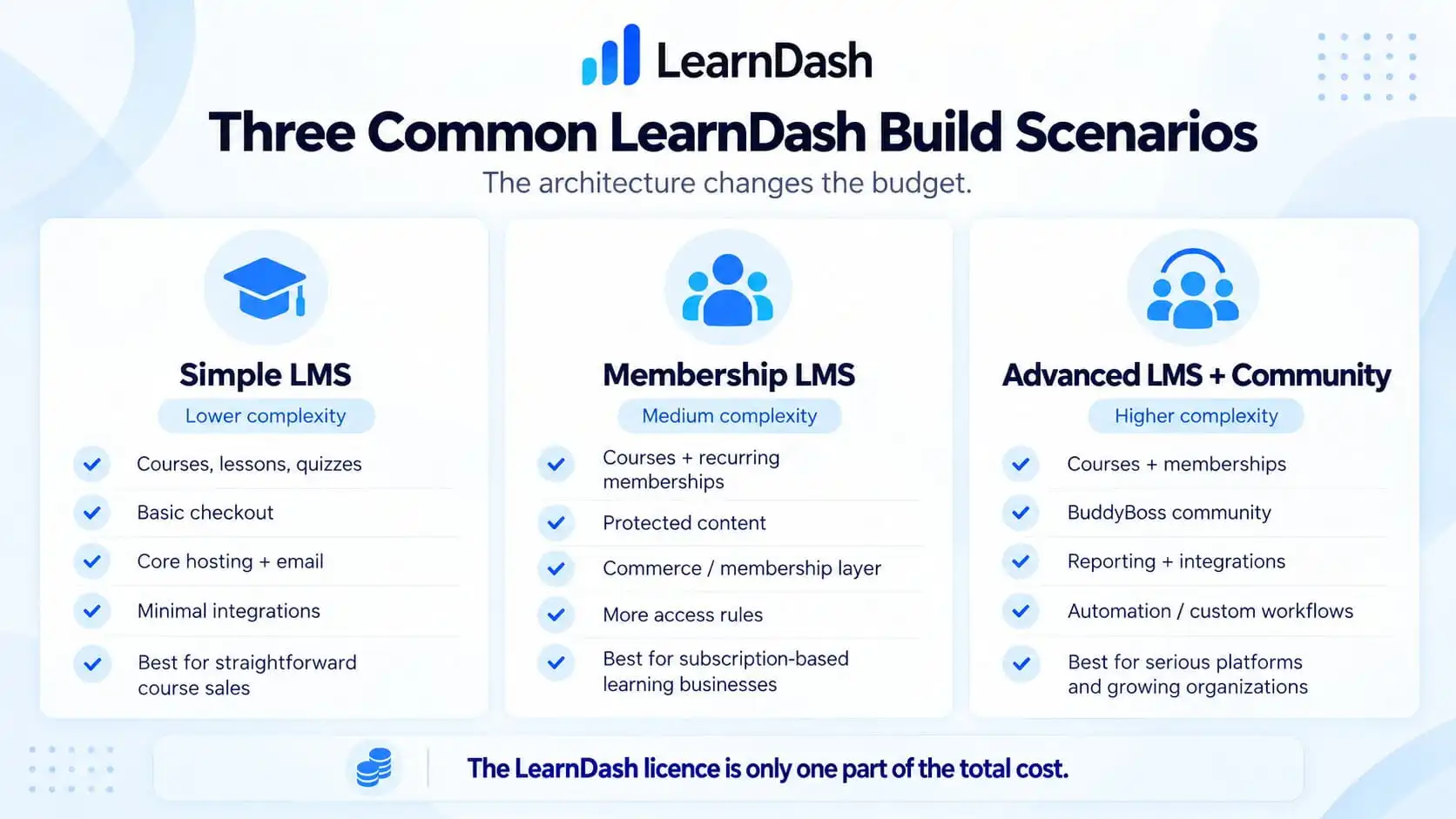
Three Common LearnDash Build Scenarios
This is a more useful way to think about budget than simply asking:
How much does LearnDash cost?
Simple LMS
Typical requirements:
- courses
- lessons
- quizzes
- certificates
- basic checkout
- standard design
- straightforward learner access
- minimal integrations
The software stack can stay relatively small.
This is where the $259 Essentials plan can still be a meaningful part of the annual software budget.
Membership LMS
Now add:
- recurring memberships
- course bundles
- protected content
- membership tiers
- subscription lifecycle
- advanced email
- more access rules
The core LMS is still only one part of the platform.
The architecture has become much more complex.
The annual software cost increases, but the bigger increase is usually in implementation and testing.
Advanced LMS + Community
Now add:
- LearnDash
- BuddyBoss
- memberships
- WooCommerce
- corporate groups
- managers
- reporting
- automation
- custom workflows
- integrations
At this stage, I would stop thinking about the project as:
a LearnDash website
and start thinking about it as:
a custom learning platform built on WordPress and LearnDash.
That distinction matters when setting the budget.
One-Time Build Cost vs Annual Operating Cost
Business owners should keep these separate.
|
One-Time / Project Costs
|
Recurring operating costs
|
|---|---|
|
Discovery
|
LearnDash plan renewal
|
|
Architecture
|
Hosting
|
|
Design
|
Membership licences
|
|
LearnDash configuration
|
BuddyBoss licence
|
|
Course setup
|
Premium add-ons
|
|
Integrations
|
Email delivery
|
|
Membership setup
|
Video hosting
|
|
BuddyBoss setup
|
Backups
|
|
WooCommerce setup
|
Security
|
|
Custom development
|
Maintenance
|
|
Migration
|
Development support
|
|
Testing
|
|
|
Launch
|
|
A platform can be inexpensive to launch but expensive to operate. The reverse can also be true.
That is why I would look at the three-year ownership cost, not simply ask:
What will it cost to launch?
Where Businesses Often Overspend
There are a few patterns I would avoid.
Buying every plugin before the architecture is clear
You may not need:
LearnDash + WooCommerce + MemberPress + BuddyBoss + five add-ons.
Start with the business requirements.
Then choose the stack.
Paying for custom development that already exists
Before custom-building something, check whether LearnDash, an official add-on, or a reliable integration already solves the requirement well enough.
Building too little for the business model
The opposite mistake can be just as expensive.
Trying to save money by avoiding the membership, group, reporting, or infrastructure layer the business actually needs can create a rebuild six months later.
The cheapest first release is not always the cheapest platform.
What I Would Budget Before Speaking to a Developer
I would not begin with:
I have $2,000. What can you build?
I would begin with a short business specification:
- What are we selling?
- One-time or recurring?
- How many learner types?
- Do companies buy seats?
- Do managers need reports?
- Do we need membership tiers?
- Is BuddyBoss involved?
- Does WooCommerce already exist?
- What should happen when payment fails?
- What needs to integrate with the LMS?
- How much content already exists?
- Does student data need migrating?
Once those answers are clear, the budget becomes much easier to estimate.
Without them, any development quote is mostly an assumption.
My Recommendation
A LearnDash website does not cost $259.
LearnDash currently starts at $259/year for Essentials, but the licence is only one part of the platform.
The website around it can be simple or extremely sophisticated.
For a straightforward course business, LearnDash can remain a relatively lean WordPress stack.
For a membership academy, B2B training platform, or LearnDash + BuddyBoss community, the cost shifts toward architecture, integrations, infrastructure, testing, and ongoing operation.
So if you are budgeting a LearnDash build, I would separate the decision into three questions:
- What software do we actually need?
- What business logic needs to be implemented?
- What will the platform cost to operate and maintain after launch?
Answer those first.
Then the LearnDash website cost becomes much more realistic.
I am comfortable with “A LearnDash website does not cost $259” here because the sentence is deliberately rhetorical and immediately explains what $259 represents.
Planning a LearnDash Platform?
The easiest way to overspend on an LMS is to buy and connect tools before the access model, payments, memberships, reporting, and community requirements are clear.
If you are planning a new LearnDash platform or rebuilding an existing one, I can map the LMS architecture first so the development budget is based on what the business actually needs rather than an oversized plugin stack.